

































- June 24, 2026
- Uncategorized
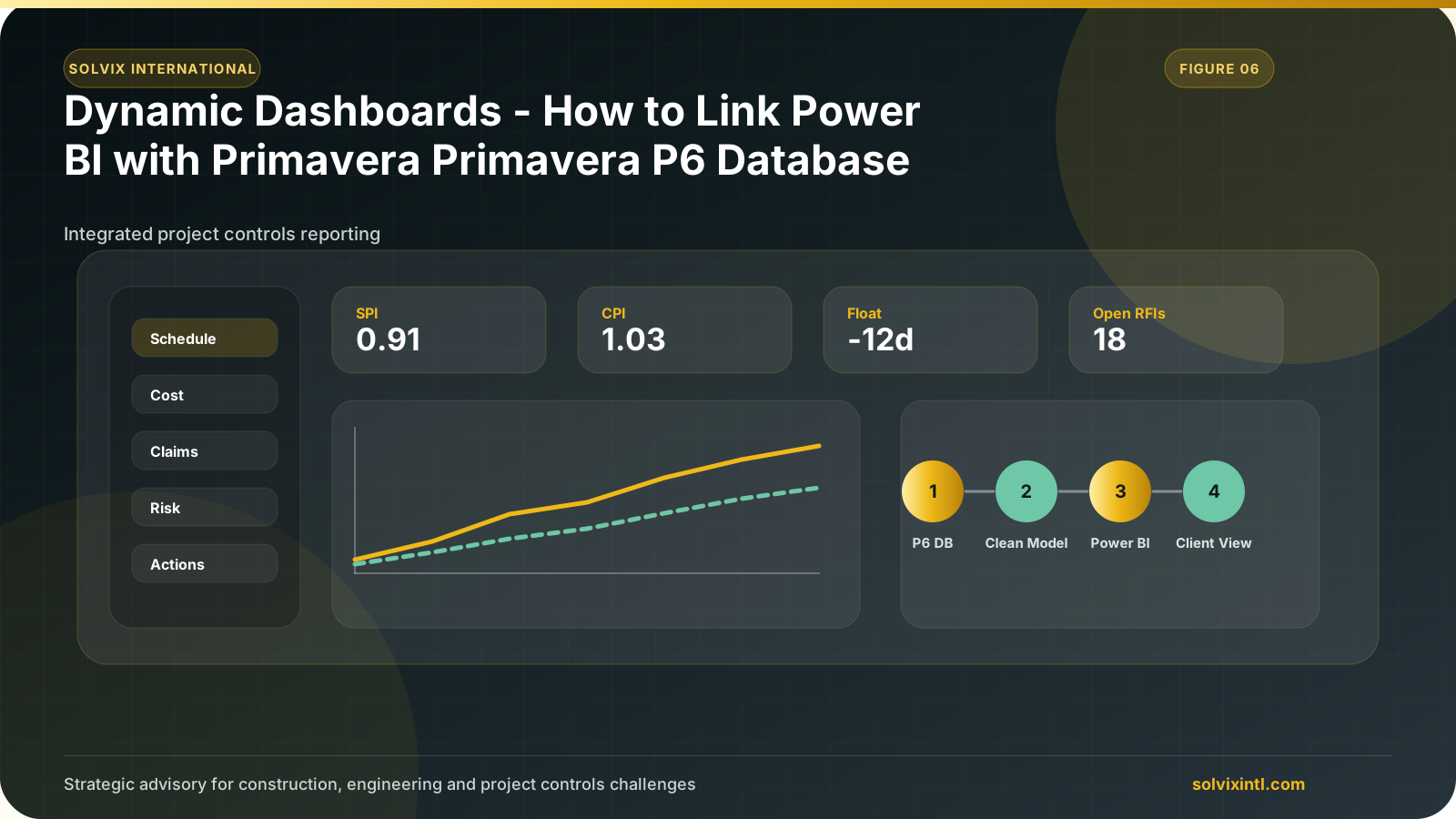
| Project Controls dynamic dashboards
The main importance of dynamic dashboards is to simplify complex data and turn it into very simple and readable data by visualizing all the data inputs and displaying them as charts.
These dashboards will help the project management field to turn complex data into instant actions.
Primavera P6 let us make a professional schedule that calculates many principles that help us to track projects successfully. These outputs need to be analyzed to take the perfect actions and these interactions between Power BI and Primavera P6 will help us meet this purpose.
| Benefits of Linking Power BI with Primavera P6 Database
Easy data access
Dynamic dashboard
Data analysis
Data visualization
Perspective action taking
| Step-by-Step Guide
To start with, we need to make some improvements to connect Primavera P6 to Power BI easily.
In Primavera P6, you should have this account to be integrated with Microsoft Power BI
We will use ODBS to connect them, so we need to identify P6 to ODBS.
Update OBDS
Open Run Dialogue Box “Window + R”
Type odbcad32
Open Drivers
Add new DSN
In Configuration rewrite the name to Primavera P6, and select the SQL File
Microsoft Power BI:
First, install Power BI Download
Once the installation is done, finalizing the sign-up process.
Then we have to access to p6 database, we will access it as follows:
Select Home in the navigator tab.
Select Get data.
Search for ODBS.
Select ODBS.
Select Primavera P6 Which we identified above.
All these steps are represented below:
After selecting the SQL File, it will open the list of the tables available.
Select all the tables you want to analyze in the dashboard.
Then, transform all the data to match its type.
Once data is loaded to Power BI, you have the ability to visualize all the data exported from the Primavera file.
If you want to know more about Scheduling and primavera p6 outputs, you can see many topics discussing project management through our blogs.
Once you finalize your report, you can publish it in your profile on powerbi.com and share it with the team.
Need support with this topic?
Solvix provides
Power BI and Primavera P6
dashboard development services
Solvix International provides Power BI and Primavera P6 dashboard development services for construction and engineering projects. We help project teams turn schedule, cost, progress, and resource data into practical controls that support better decisions and clearer reporting.

ramez.megahed.sci@gmail.com
Head of Architecture & DesignHead of Architecture & Design with over a decade of experience leading large-scale real estate and construction projects. Known for his strategic mindset and leadership excellence, he has successfully driven high-value developments from concept to completion while ensuring operational efficiency and long-term growth.