




































- June 24, 2026
- Uncategorized
When you are working on scheduling a project using Primavera P6 and then you find that you have to make a big change or repetitive change to the activities, resources, durations or any element in the schedule, the best way to change all the edits by using global change tool as it saves much time in doing any edits and changes in the schedule.
Primavera P6 offers this tool along the tools menu to make any change accurately and efficiently to your schedule with no time and effort. Understanding this tool will help in making professional schedules.
By using simple statements like “If and Then” statements you can change the whole schedule in one click.
To know more about the statements and actions of this tool, you can check our article Primavera P6 global changes.
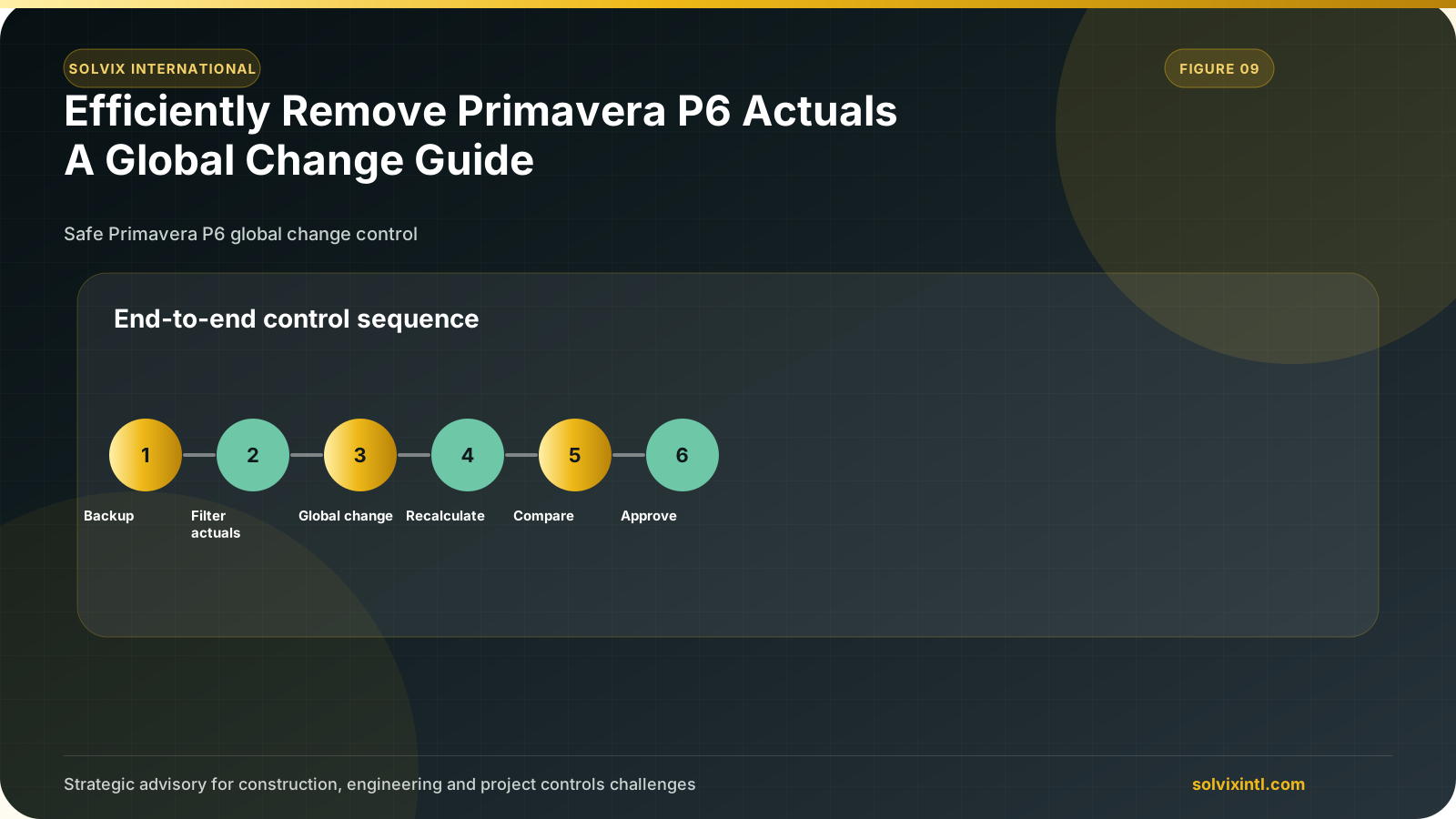
As a project manager or a P6 user, you can be in a situation where you have an updated schedule and you want to remove the actuals to revert it to the baseline schedule, instead of changing each activity type to not started and removing all the actuals assigned to the activity, you can easily change the whole schedule by using global change tool in less than one minute.
In this article, we will learn how to revert an updated schedule into a baseline one using the P6 global change tool.:
Change the activity status from Completed to InProgress.
Change the compete to 0%.
Then change all the Activity Status to No Started.
Let’s start doing these steps in detail…
| Change the activity status from Completed to In Progress:
First Step:
open the project that has actuals.
Second Step:
Go to tools then select global change.
Third step:
Change activity status from completed to In Progress.
Fourth step:
Commit changes.
| Now we need to change the Duration % Compete to 0%.
Fifth step:
Change duration % Complete to zero by using global change.
The schedule now does not have any actuals.
| Change all the activity status to Not Started.
Sixth step:
change activity status from in progress to not started!
Finally, you have changed the update schedule into the baseline schedule.
Need support with this topic?
Solvix provides
Primavera P6 data correction
and schedule cleanup services

ramez.megahed.sci@gmail.com
Head of Architecture & DesignHead of Architecture & Design with over a decade of experience leading large-scale real estate and construction projects. Known for his strategic mindset and leadership excellence, he has successfully driven high-value developments from concept to completion while ensuring operational efficiency and long-term growth.