




































- June 29, 2026
- Uncategorized
EOT (Extension of Time)
EOT happens when an unforeseen situation happens to the project and delays the planned finish, such as an unexpected site event, force majeure, delay in payment, or delay from a third party. These events should be taken into consideration in addition to new variations requested, or changes in project specifications which require more additional time to finish the project.
EOT plays an important role in scheduling the project and allowing its timeline to be extended. EOT needs good documentation, so the project team should provide a detailed analysis supported with detailed documentation of the damage and the delays that happened to the project. Then, the project team should analyze these damages and show their impact on the project.
After understanding the EOT and how to apply it, you will be able to manage unexpected delays and maintain project integrity.
In the following sections, we discuss how to apply EOT to Primavera P6 schedule.
An EOT claim is a way to request an extension of time for a specific project from a client.
Methods of Delay Analysis
There are many methods of delay analysis, and they are:
Impacted as-planned delay analysis: modifying as planned schedule with the actual delays that occurred, their impact on the other activities is the overall delay impact
As-planned Vs. as-built delay analysis: comparing the original schedule with the actual progress performance
Time Impact Analysis: analyzing each delay event individually to determine their effect on the timeline
Collapsed As-Built Analysis: removing noncritical delays and then assessing the critical ones
Window analysis: dividing project schedule into different times to show periods of occurred delay
And other different methods
In this article, we discuss the “Impact As Planned” method.
Adding Granted EOT to Primavera P6 Schedule
When the delay happens, it will be very difficult to know the revised timeline and this may lead to misalignment between the planned and actual progress. Therefore, it is important to add granted EOT to the schedule for maintaining schedule and contractual rights, also prioritizing EOT Analysis to obtain project success. In this article, we will represent EOT by the Impacted as Planned method.
Before we show the step-by-step method, let’s identify the advantages and disadvantages of this method and what is required to be used:
The advantages are:
Simple and straightforward method
Shows clear visualization of the delay impact
Focuses on analyzing critical activities
Contractual significance.
The disadvantages are:
Limited to analyzing concurrent delays
Difficult in identifying individual delay causes
Focuses on one critical delay only and can ignore non-critical ones
Data must be reliable; inaccurate data can lead to flawed analysis.
In the next steps, we show how to add EOT to the schedule.
Step by step
First, you should have a baseline schedule.
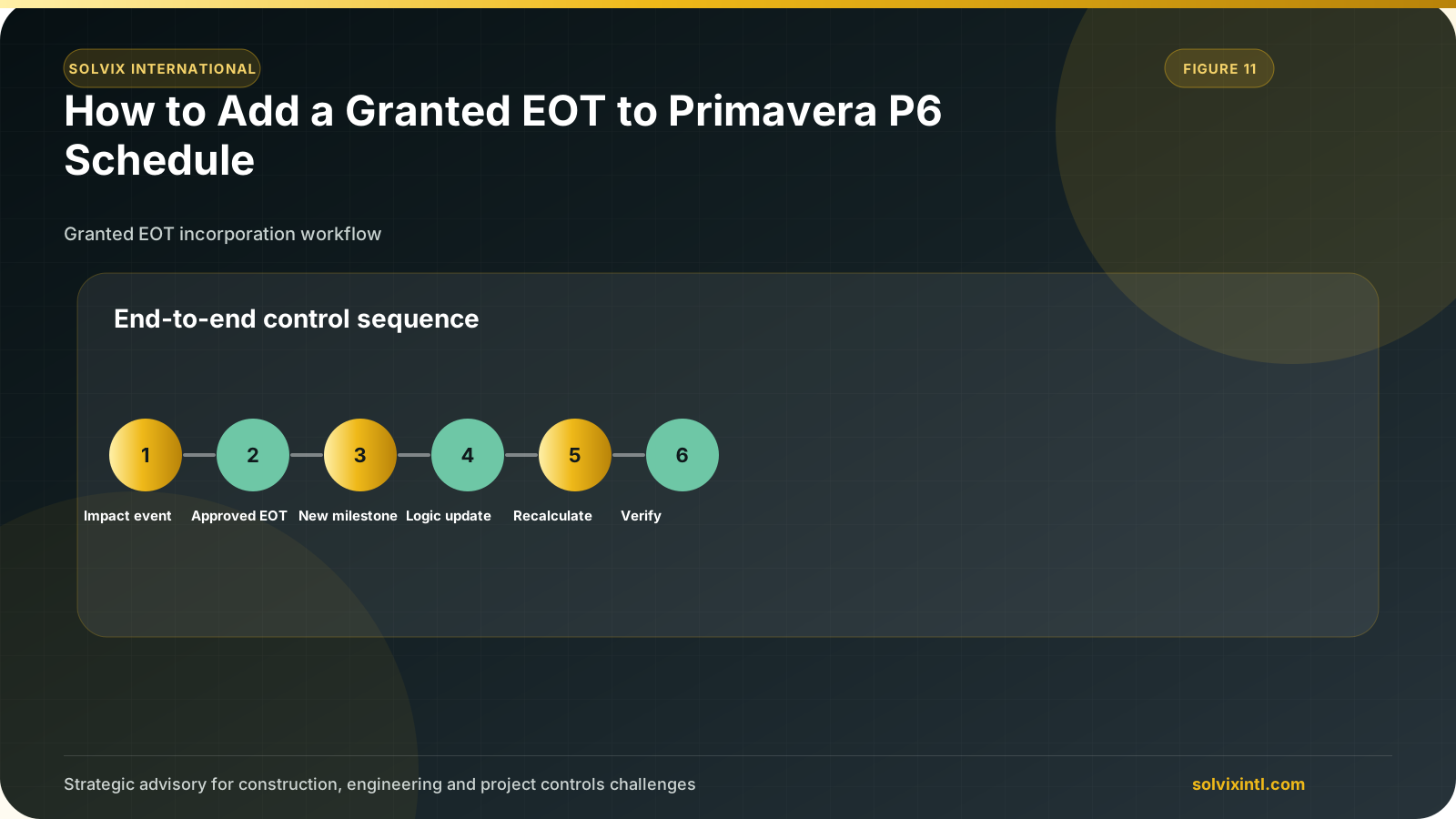
Then you need to insert delay events to the BL schedule as new activities. Identify events durations. After adding new activities, you must assign the delay event to the event. Figure below shows a delay of 14 days affects house wall activity.
Then you must identify the delay constraint as shown below
After adding all the delays, click F9 to reschedule the project.
This will show the total new revised duration.
Float Analysis
The total float of the project will show the flexibility within the schedule and determine the effect of EOT Analysis.
When adding an EOT to Primavera P6, you should consider float analysis to evaluate the impact of delay. A float shows the time flexibility of the activity or the project and helps in evaluating the delays that affect the critical activities and impact the project timeline.
Also, it can be defined as the total amount of time of the project or the activity that can be delayed. A positive float means flexibility of the activity, while a negative float indicates a delay.
To see the float values in Primavera P6, you should select the total float field from the columns.
Total float analysis is very important in EOT, as it reflects the extended time frame resulting from events.
Need support with this topic?
Solvix provides extension of time (EOT), delay analysis and Primavera P6 schedule support services

ramez.megahed.sci@gmail.com
Head of Architecture & DesignHead of Architecture & Design with over a decade of experience leading large-scale real estate and construction projects. Known for his strategic mindset and leadership excellence, he has successfully driven high-value developments from concept to completion while ensuring operational efficiency and long-term growth.