













- June 29, 2026
- Uncategorized
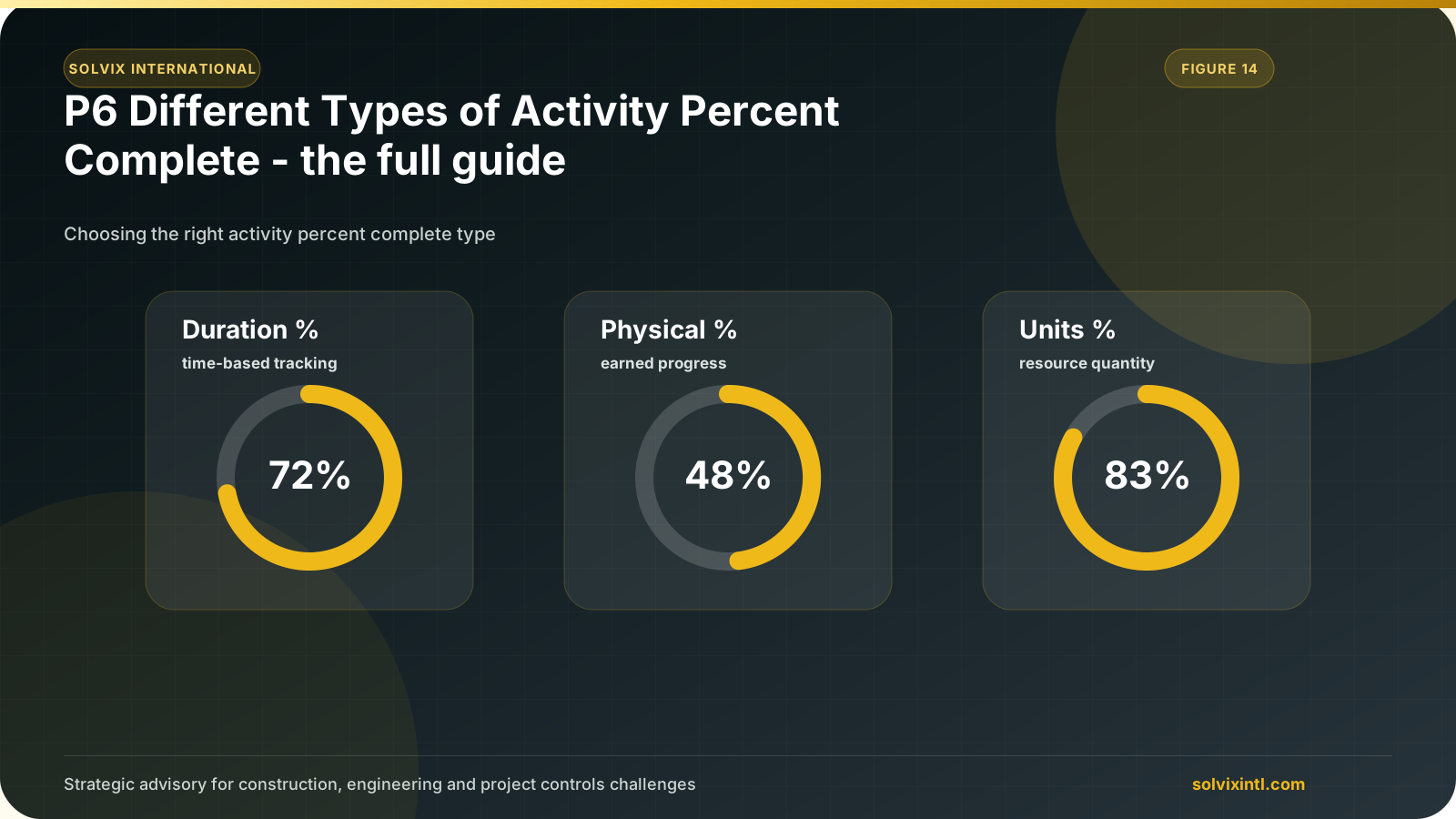
Primavera software has several types of activity percent complete to use in scheduling and updating the project. Which progress percentage complete type be used in updating the 6 schedule activities and when? Which method is to be used to measure activities’ progress? this article, we will know the full guide for several types of activity percent complete in rimavera P6 and when to use them.
Understanding all types of % complete in rimavera 6 is essential information for each engineer to easily analyze schedule data.
Firstly, the percentage complete reflect the activity progress and it indicates what happens It is used in EVM alculations depending on the preferences of the admin.
Duration % complete
Physical % complete
Units % complete
You can define the percentage complete type by accessing general parameters, then the activities tab, and then activity details.
Physical Percentage Complete
You should know that changing any percent complete manually does not affect any other properties of the activities such as duration, dates, cost, etc…, which makes the percentages completely independent from the other activity properties. We use % complete for activities that cannot ean on units.
For an example:
If you have different steps in the activity and each step is % complete, then the physical percentage complete is the best way to calculate the total percent complete of this activity. However, rimavera 6 does not know how to break down the activity and calculate and sum up the overall progress.
| Example | Example |
|---|---|
| Template created | 5% |
| First draft | 15% |
| Draft submitted | 50% |
| Draft reviewed | 75% |
| Draft approval | 100% |
Therefore, you can convert all these steps into activity steps and define the physical complete percentage to be based on activity steps.
Physical percentage complete can be defined by these activity steps and by step weight.
Note: activity % complete is only determined by steps percentage in this case, with no intermediate percentage.
Duration Percentage Complete
In this type, progress is determined by the duration of each activity.
Also, it can be known from this equation:
Here the above equation indicates that the duration percentage complete will only increase when the remaining duration decreases, which represents the actual vs completion duration.
Units Percentage Complete
For activities with labor and/or nonlabor resources assigned be sure to use progress percentage complete
Changing % complete to unit percent complete will impact all types of resources except material units. But note that actual units should be inserted manually.
Summary
| General | Activity % Complete | Reflects Activity Progress, based on selected % omplete ype. | Physical % Complete Duration % Complete Unit % Complete |
|---|---|---|---|
| General | Physical % Complete | Represents actual physical progress. Can be entered manually, based on threshold values, or based on activity steps. | Manually or based on Activity Steps |
| General | Performance % Complete | Performance is often used to compute Earned Value. The alculation technique for the activities can be selected per WBS level, under the Earned Value tab of the WBS view. The calculation technique on the WBS level is fixed. | Activities: Activity % Complete Use WBS Milestones 0/100 % Complete 50/50 % Complete Custom % Complete |
| General | Performance % Complete – Labor units | Same as Performance % Complete but gives zero value for activities without Labor Resource | Performance % Complete if Labor units >0 |
| Duration | Duration % Complete | Reflects remaining duration based on original activity duration without labor resources | |
| Duration | Duration % of original | Reflects remaining duration based on the original activity duration of the current project | |
| Duration | Schedule % complete | The duration that should have been completed based on the baseline | |
| Units | Units % complete | Actual of total labor and non-labor units compared to the competition | |
| Units | Labor units % complete | Actual of total labor and non-labor units compared to the competition | |
| Units | Non-Labor units % complete | Actual of total labor and non-labor units compared to the competition |
Need support with this topic?
Solvix provides Primavera P6 progress measurement and percent complete setup services

ramez.megahed.sci@gmail.com
Head of Architecture & DesignHead of Architecture & Design with over a decade of experience leading large-scale real estate and construction projects. Known for his strategic mindset and leadership excellence, he has successfully driven high-value developments from concept to completion while ensuring operational efficiency and long-term growth.